

Computer-aided dispatch and AVL for public transit
Run the whole network from one dispatch console.
Bus Lark gives transit agencies a live view of every bus, a direct line to every driver and real-time information for every rider. Dispatchers see problems early and fix them before riders are left waiting.
Dispatch log
- Off routeBus 1407 left Route 5 at Market St. Acknowledged by dispatch.
- DetourRoute 5 detour published to drivers, riders and trip planners.
- MessageBus 1407 to dispatch: “Will comply.”
- HeadwayRoute 7 bunching cleared. 15-minute spacing restored.
- AlertElevator outage at Downtown Transit Station posted in English and Spanish.
- InspectionBus 1212 pre-trip inspection submitted. No defects.
- 5 s
- Position reporting from Bus Lark onboard units
- 24×7
- Platform monitoring, with a 1-hour response to critical issues
- WCAG 2.1 AA
- Accessible rider, driver and staff screens
- EN · ES
- Rider information in English and Spanish
- GTFS-RT
- Published for Google Maps, Transit and other apps
Dispatch console
Problems show up on the console before riders feel them.
A live fleet map with schedule adherence on every bus, alerts that need a decision, and the tools to act on them without leaving the screen.
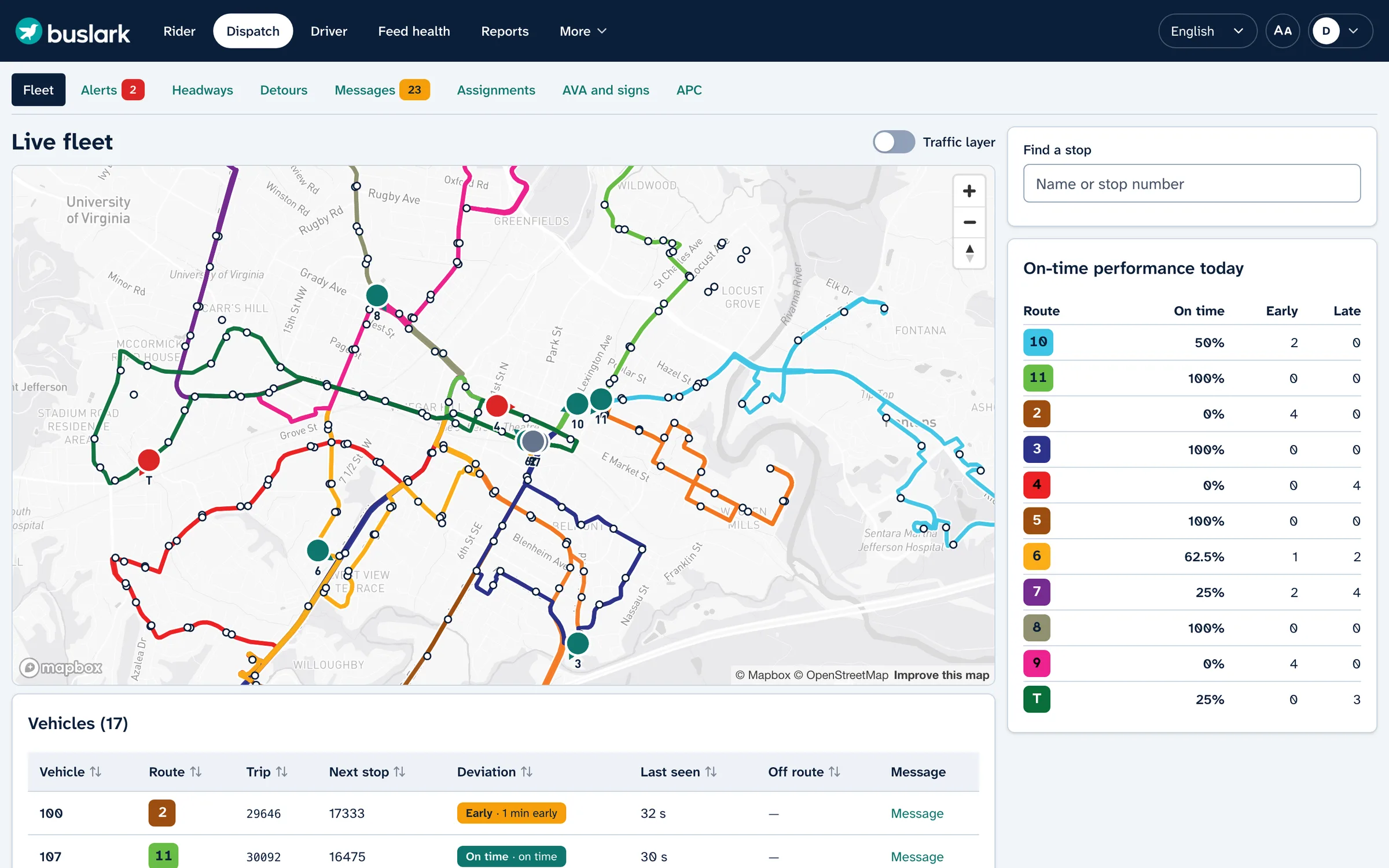
Live fleet map
Every vehicle on its route with block, trip, next stop and deviation, updated the moment a position arrives.
Schedule adherence
Early, on time and late at a glance against thresholds your agency sets, plus on-time performance by route for the day.
Off-route detection
A bus that leaves its route raises an alert for a dispatcher to acknowledge, or to explain with an active detour.
Headways and bunching
Line diagrams of every route show gaps and bunching early, so supervisors can hold or space buses before riders wait.
Detours
Draw the detour on the map. Drivers get the new path, and riders and trip planners see the change.
Service alerts
Post alerts by route or stop, in English and Spanish, to the rider app, stop pages, signs and outside apps.
Driver messaging
Canned or free-text messages to one bus, a route or the whole fleet, with replies and read receipts.
Vehicle and operator assignments
Match buses and operators to blocks for the day, with operator aliases in public views.
Announcements and signs
Automatic stop announcements and destination signs, managed from the console.
From alert to resolution
One incident, handled in minutes and on the record.
01
Detect
Bus 1407 leaves Route 5. An off-route alert opens on the console with the bus, trip and location.
02
Respond
The dispatcher draws a detour and messages the driver. The tablet shows the new path, and the driver replies with one tap.
03
Inform
Riders see the detour on stop pages and in the app. Google Maps and Transit get it through your GTFS-RT feed.
04
Record
Every action lands in the audit log, and the day’s adherence, missed trips and hours roll into reports.
Driver tablet
Built for the driver’s seat.
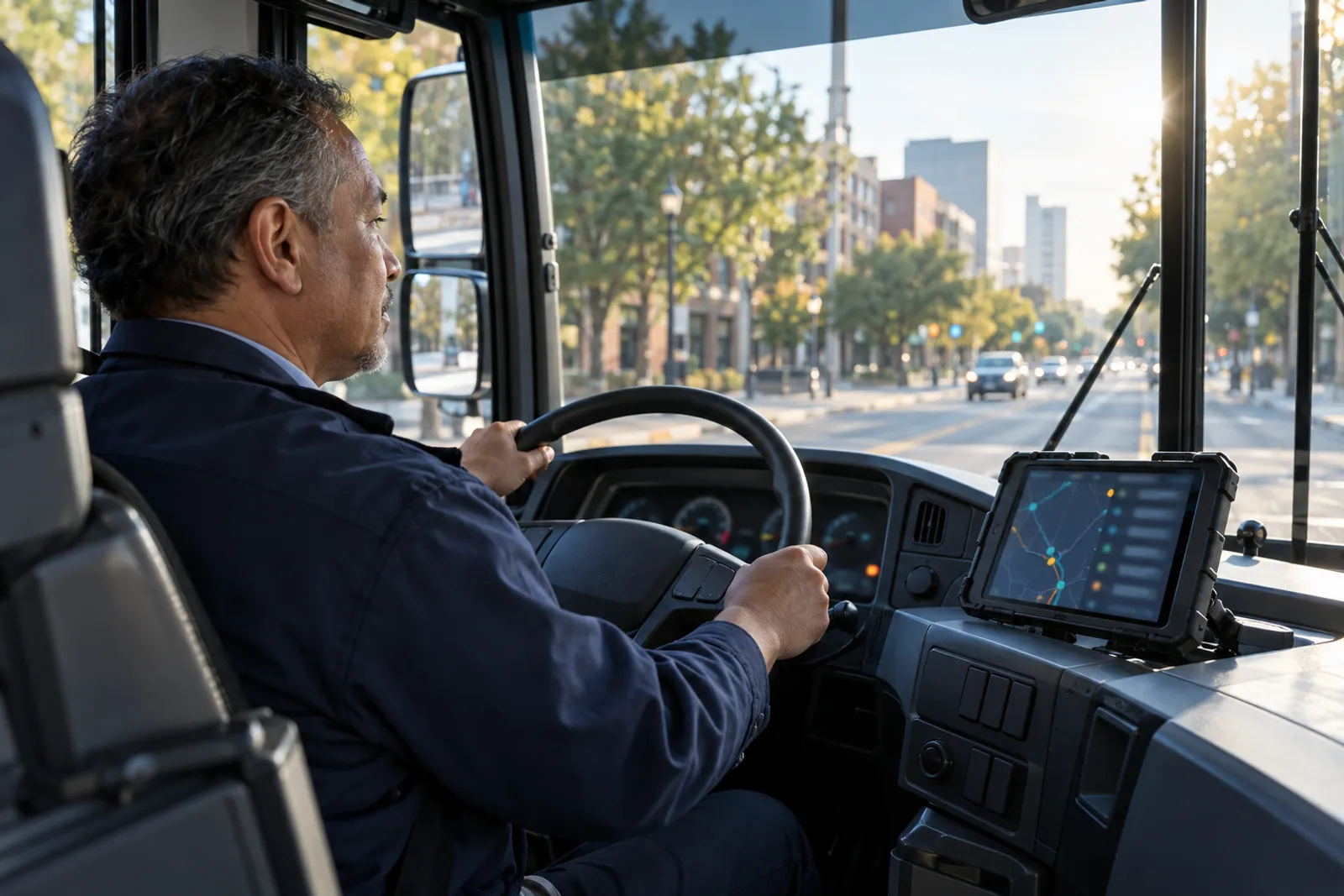
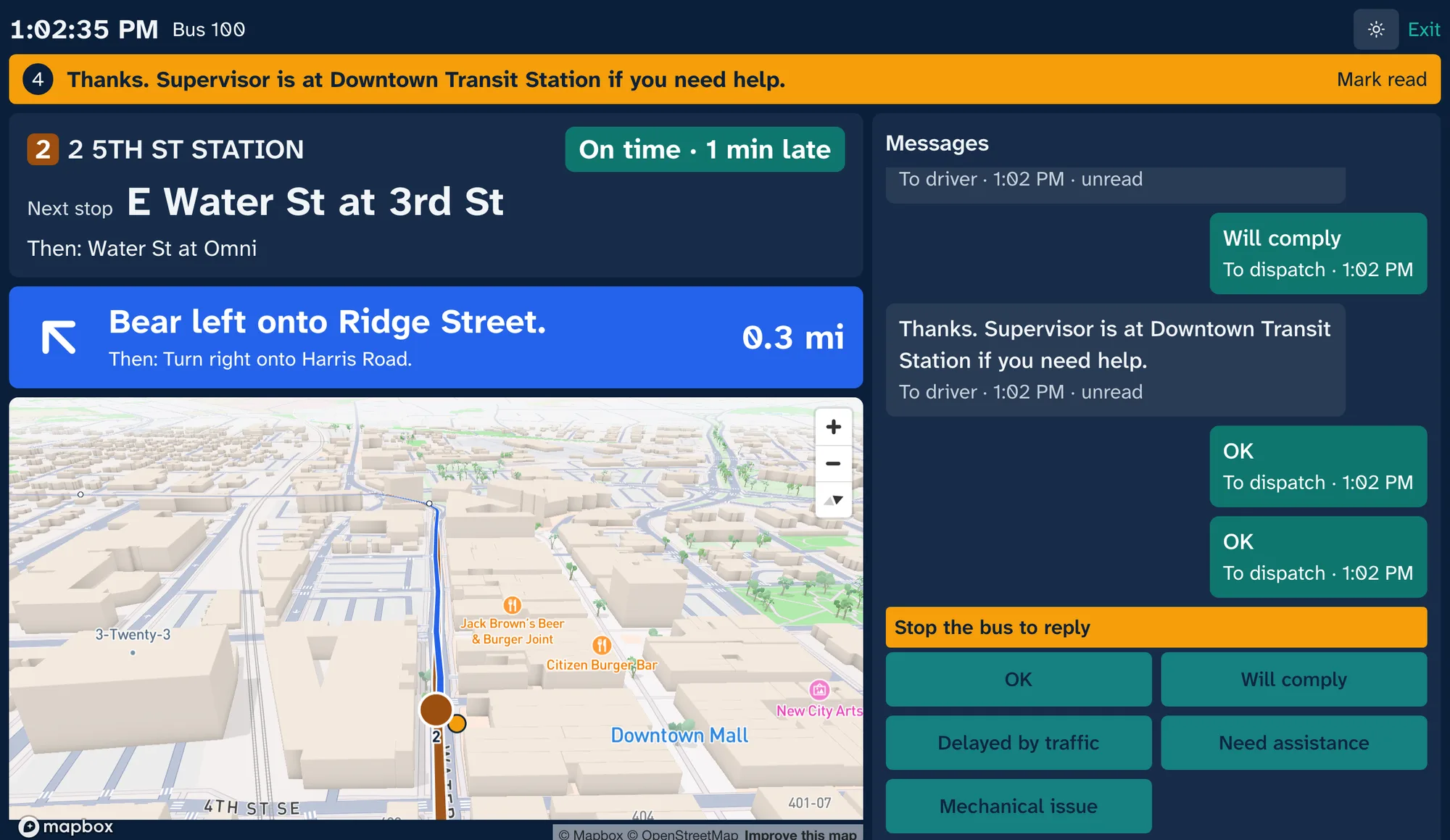
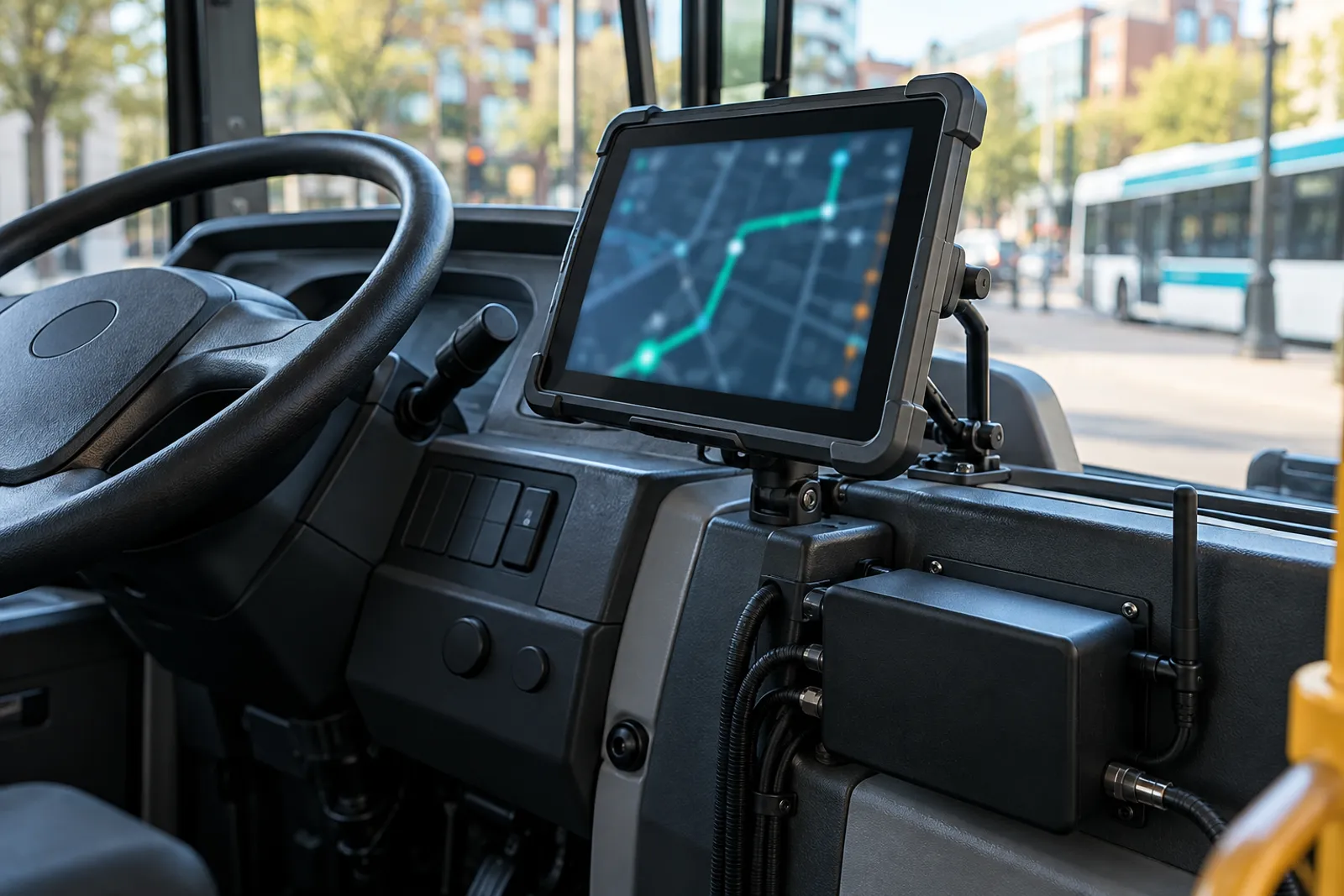
Large type, high contrast and a few big buttons. The tablet shows the driver where to go and how they’re running, and keeps messages safe while the bus is moving.
- Turn-by-turn guidance along the route, and along any active detour
- Next stop, headsign and schedule adherence always on screen
- Dispatch messages with one-tap replies, locked while the bus is moving
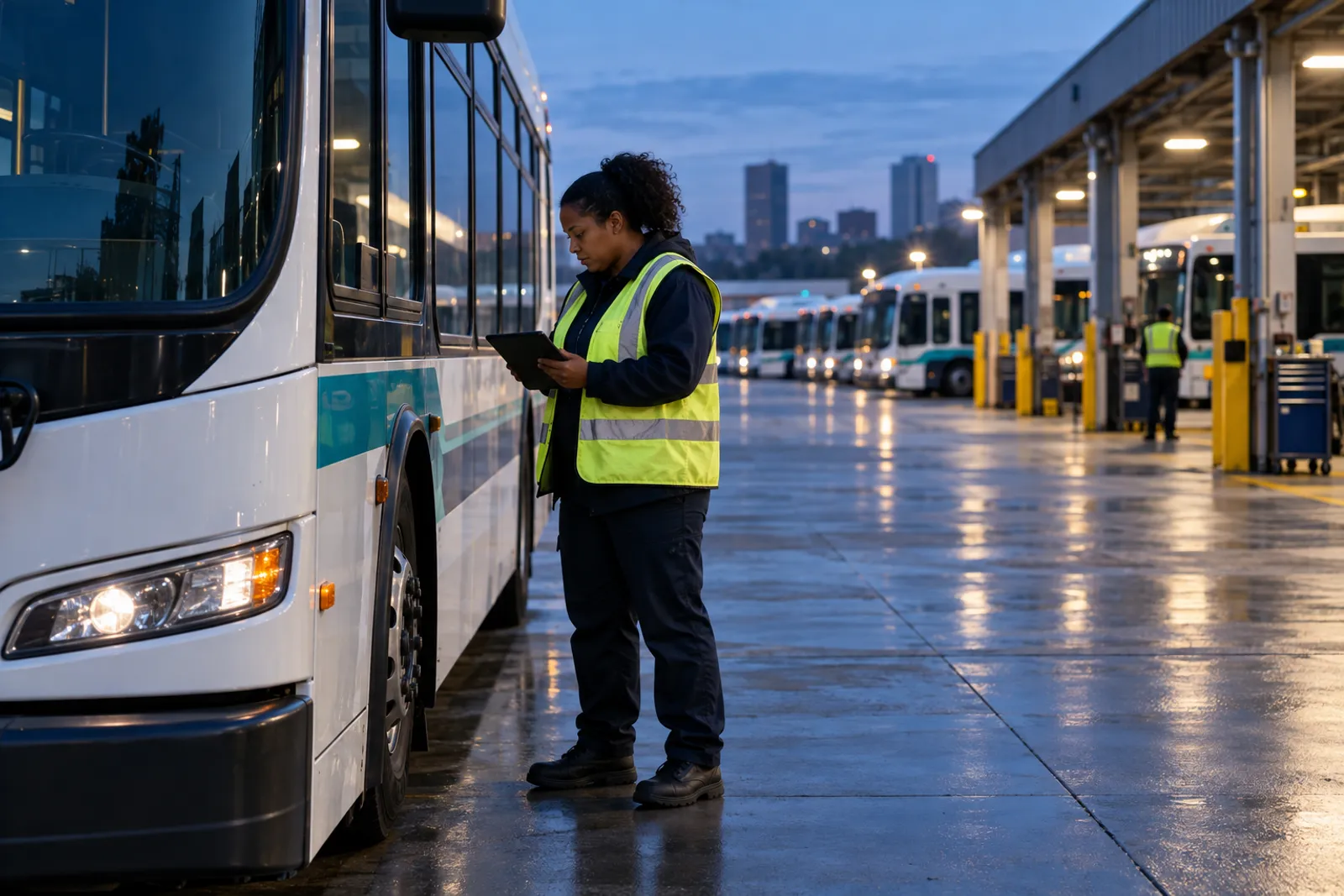
- Pre-trip inspections recorded for maintenance
- Keeps working through dead zones and uploads on reconnect
- Day and night modes
Onboard and in the yard
Hardware and field tools that fit the fleet you run.
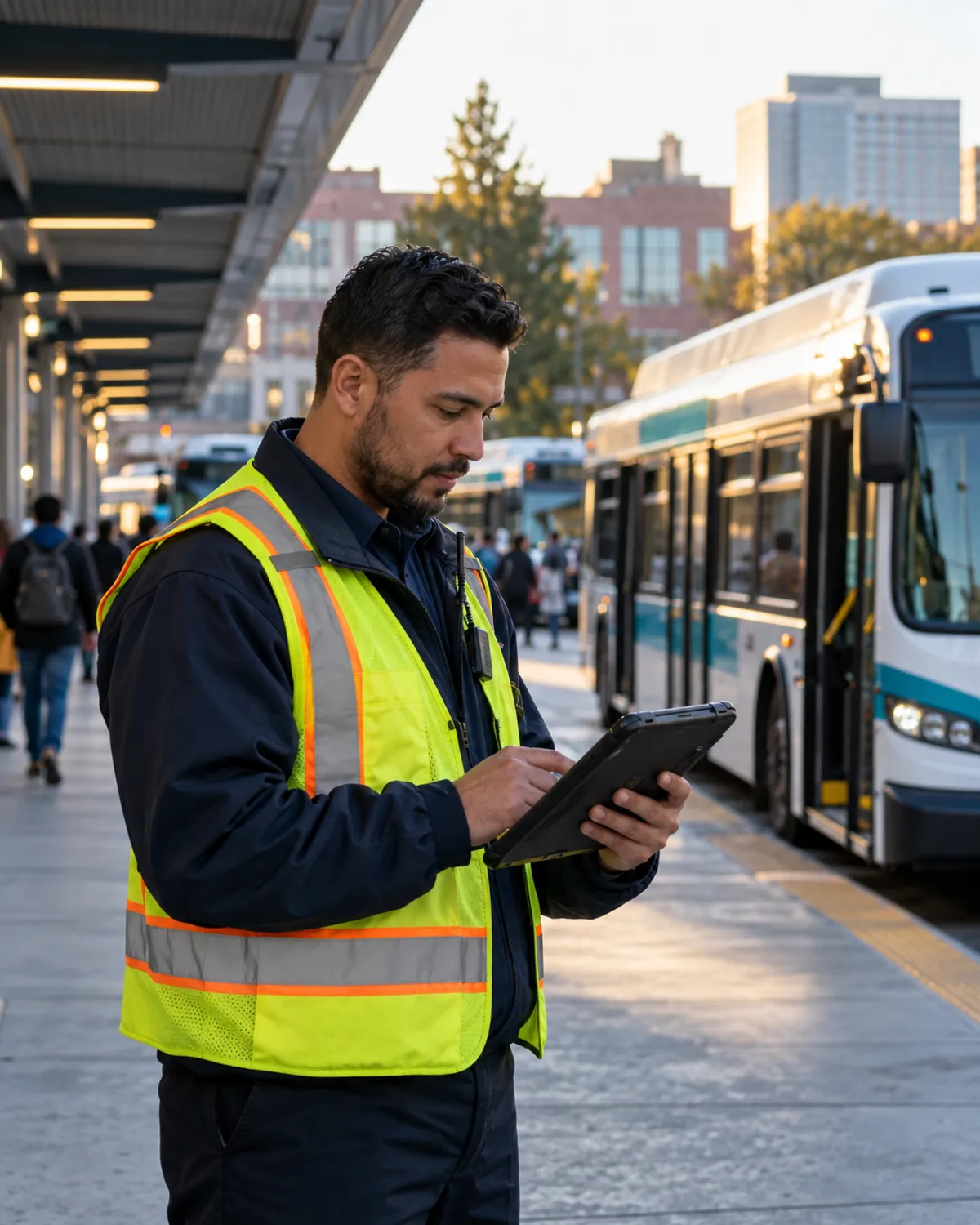
Bus Lark onboard units report every bus to dispatch and connect to the equipment already on board. Supervisors and yard staff work from the same live picture.
Bus Lark onboard units
GPS, LTE, ignition and door inputs, and three days of local storage. Designed and assembled in the US to support Buy America requirements.
Works with what you have
Destination signs over J1708/J1939 or the sign maker’s API, announcements through the existing PA, and camera video bookmarked to incidents.
Passenger counts
Boardings and alightings by stop and trip from automatic passenger counters, summarized for NTD reporting.
Light on data
About 150 to 250 MB per vehicle per month at 5-second position reporting.
Rider information
Riders see the same live picture as dispatch.
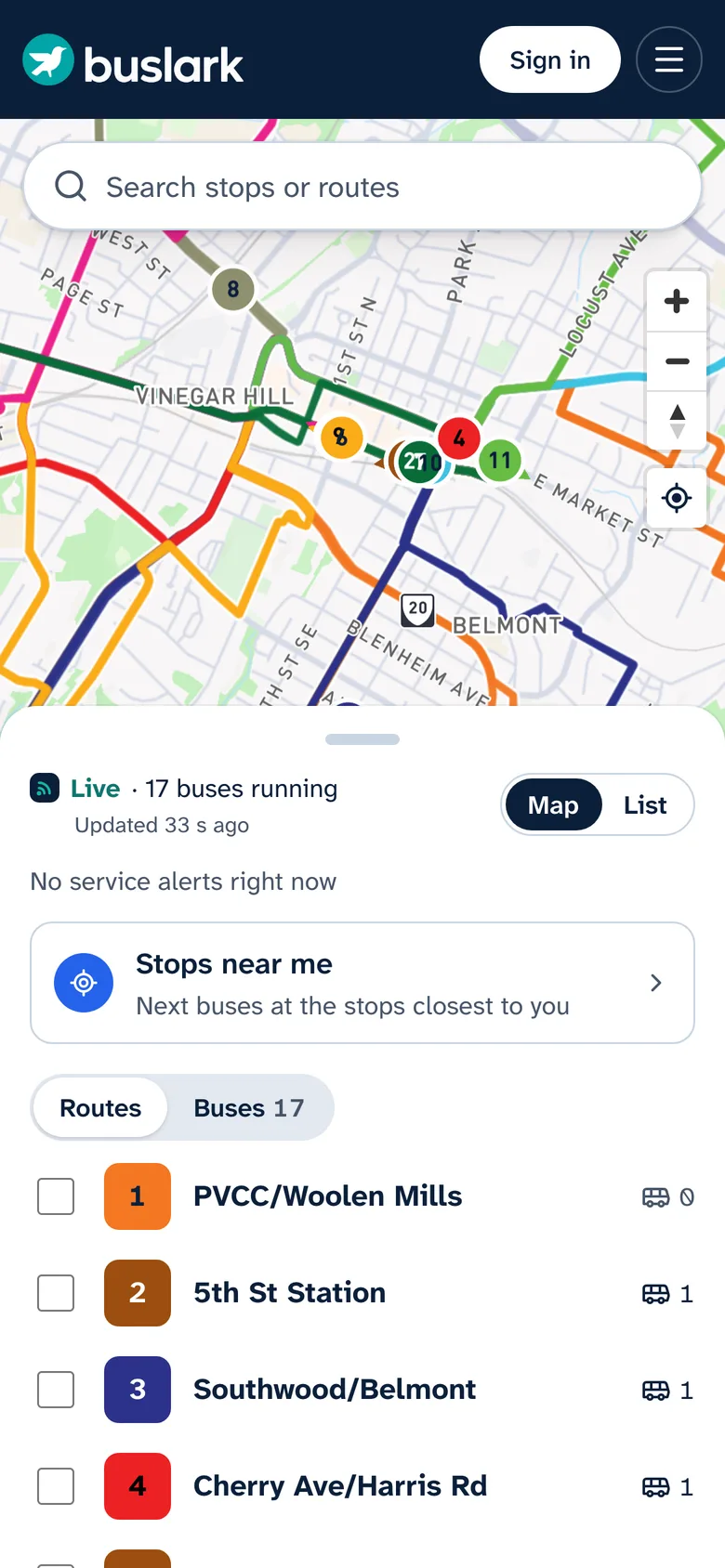
When a bus runs late or detours, riders know at the stop and on their phone, with no account and nothing to download.
- A live map and arrivals at every stop, each time marked live or scheduled
- Stops near me, using the phone’s location only when the rider asks
- A notification when the bus is 2, 5 or 10 minutes away, with no account
- Installs to the home screen, in English and Spanish
- Your agency’s colors and logo
- GTFS and GTFS-RT published for Google Maps, Transit and other apps

Paratransit and on-demand
Demand-response on the same platform.
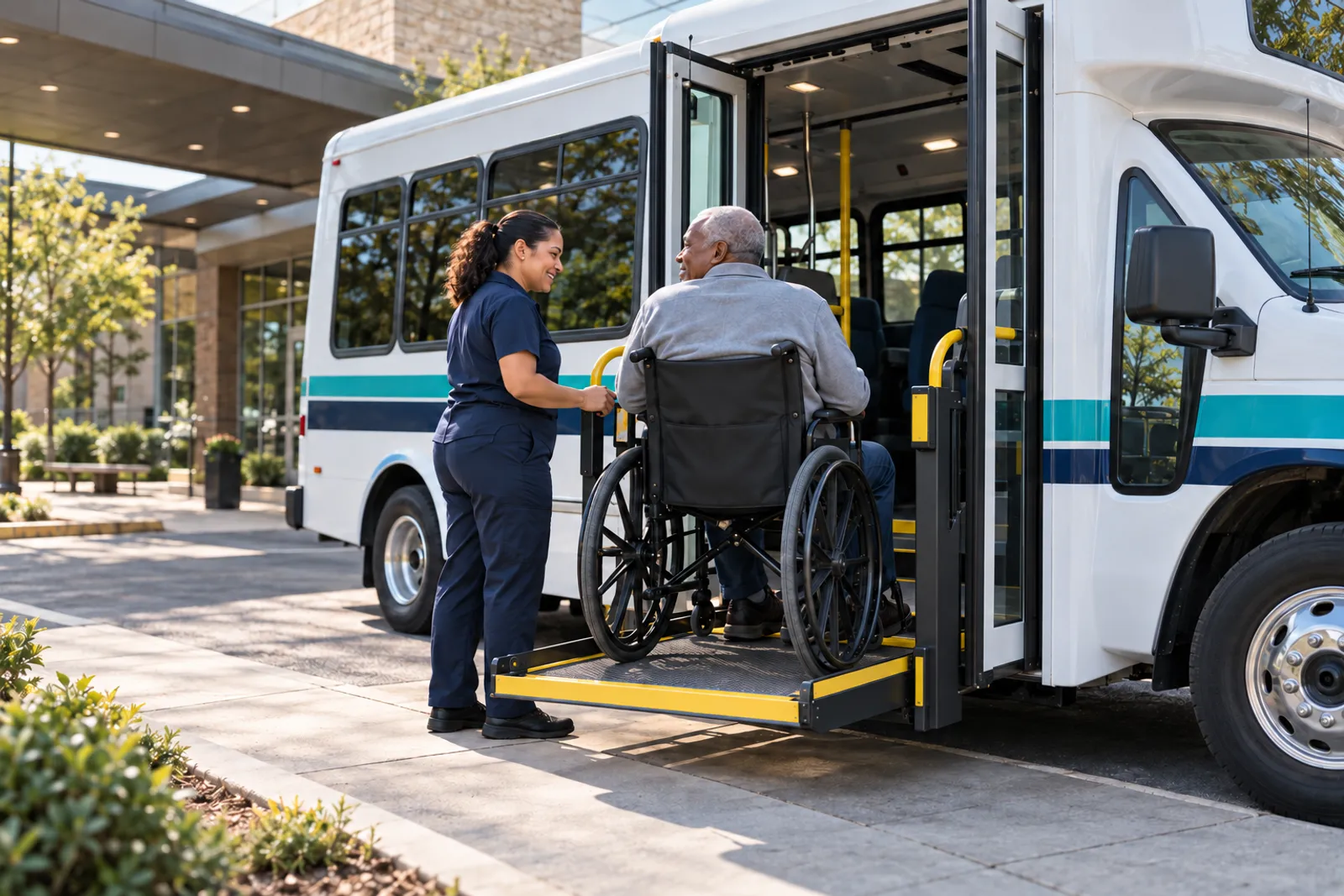
Book, schedule and dispatch paratransit and microtransit next to your fixed routes, with one set of vehicles, drivers and reports.
- Call-center booking that offers pickup times inside the promised window
- Shared rides optimized across the whole day, without manual rework
- ADA eligibility, mobility aids, no-show and late-cancellation policy, and subscription trips
- A driver manifest with arrive, pick up and no-show recorded at the door
- Trip reminders and where’s-my-ride for riders
Reporting
The numbers your board and the FTA ask for.
Reports come from the same positions dispatch works from. Export any report to CSV or Excel with its parameters inside the file. Your data stays yours, with a full export at any time.
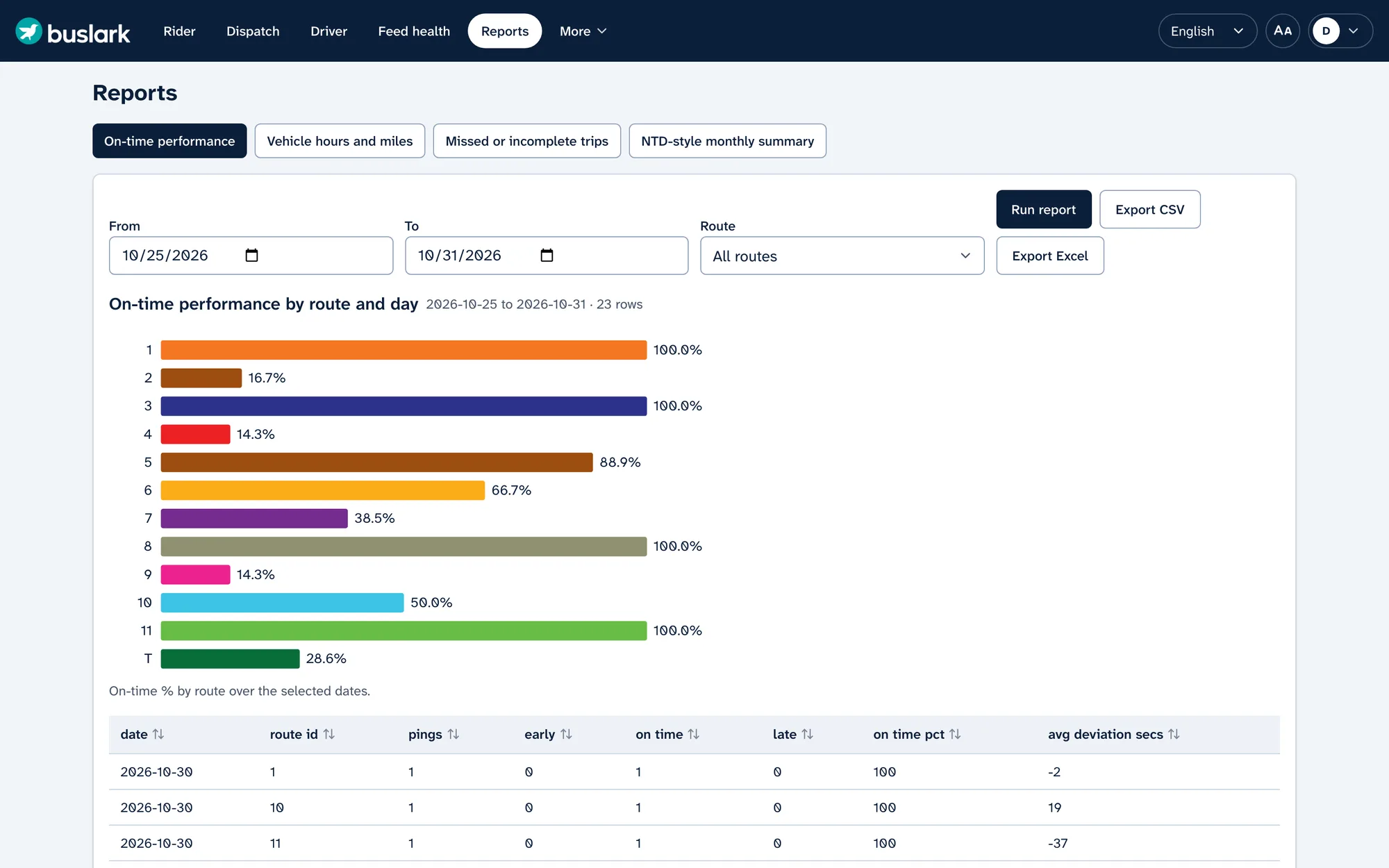
On-time performance
by route and day
Vehicle hours and miles
revenue and total
Missed or incomplete trips
with the reason
NTD-style monthly summary
ready for your submission
Security and reliability
Public-sector grade, from sign-in to backup.
Dispatch can’t go dark. Bus Lark is monitored around the clock, and every account, change and refusal is accounted for.
Role-based access
Admin, dispatcher, supervisor, planner, viewer and driver roles, enforced on the server.
Multi-factor sign-in
An authenticator app, or your agency’s single sign-on, for admins and dispatchers.
Audit log
Every change and every refused action is recorded, and staff can export it.
Protected connections
Encrypted connections and a web application firewall in front of every service.
Backups and data residency
Nightly backups with a documented restore procedure. Data stays in US regions.
Monitored around the clock
24×7 monitoring, outage notices by email and SMS, and a 1-hour response to critical issues.
Rollout and support
Live in phases, with your staff trained first.
Warranty, licensing and hosting are included in one subscription.
- 1
Set up
Your workspace, branding, users and roles. We import your schedule, connect your data and run alongside your current rider site.
- 2
Train
Dispatchers and supervisors learn the console, detours, messaging and reports. The rider site launches in your branding.
- 3
Install
Onboard units go on a few pilot buses first, then across the fleet, garage by garage.
- 4
Go live
Named support contacts, 24×7 monitoring and release notes for every update.
See it for yourself
Try the console on a real city bus network.
Sign in to the live demo as a dispatcher, supervisor or driver, or talk with us about your routes, fleet and timeline.
Or write to hello@buslark.com